Jeder Gang ein Treffer! Und: nur der echte Rotfahrer gibt nochmal Gas, wenn er einen mit dem Handy filme sieht🤙
Ehrenmann
"The true harvest of my daily life is somewhat intangible and indescribable as the tints of morning or evening. It is a little star-dust caught, a segment of rainbow which I have clutched." (Henry David Thoreau, 1854)

Jeder Gang ein Treffer! Und: nur der echte Rotfahrer gibt nochmal Gas, wenn er einen mit dem Handy filme sieht🤙
Ehrenmann
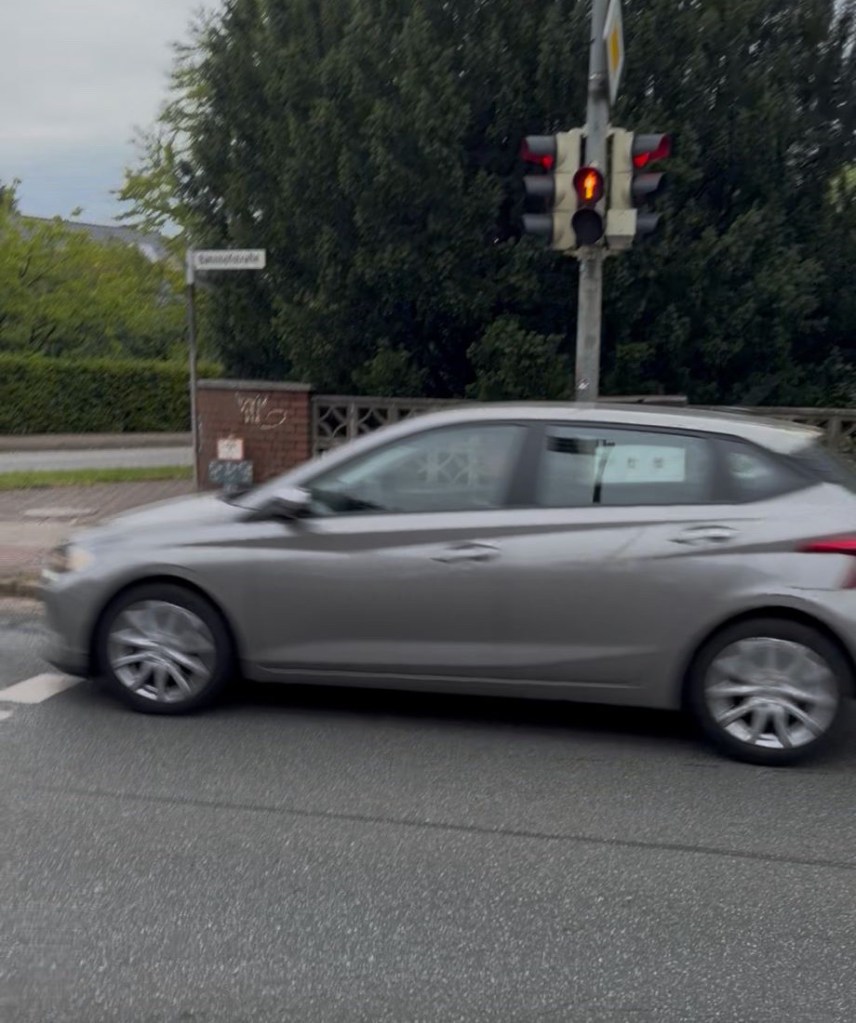
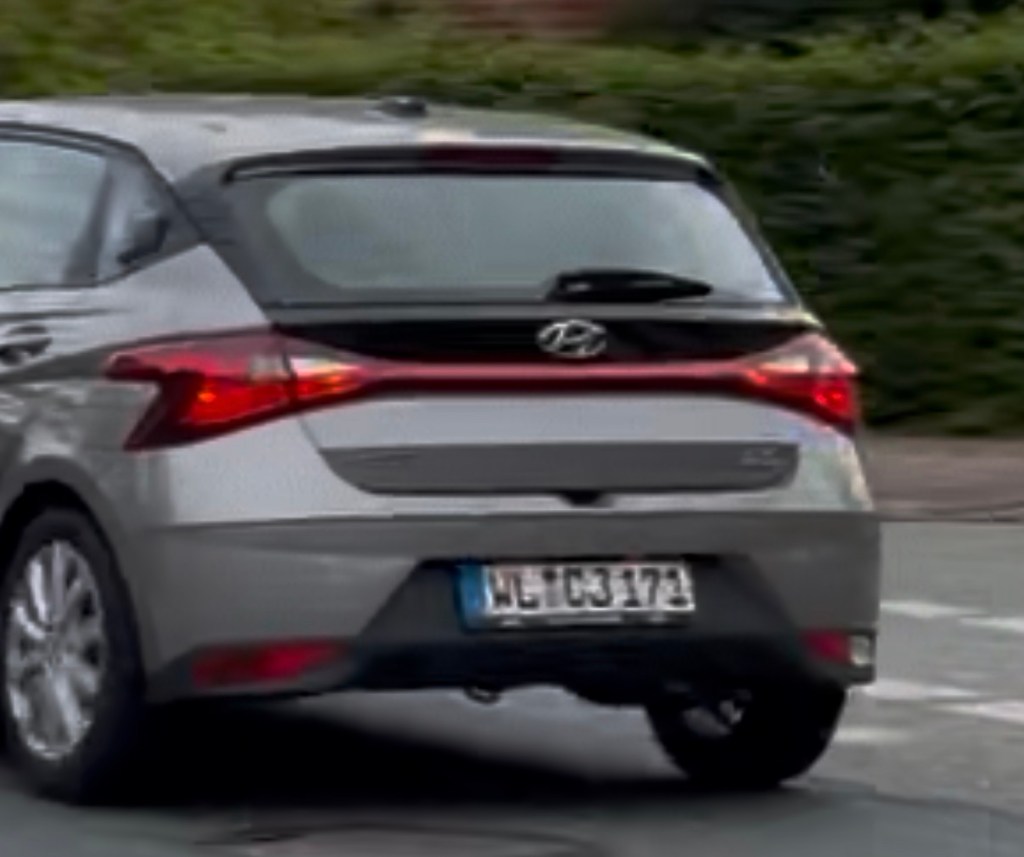
Ich muss mir ja… das eine oder andere Mal… anhören, ich wäre ein Anscheißer, wegen meiner häufigen Fotos von Rotfahrern an der Fußgängerampel.
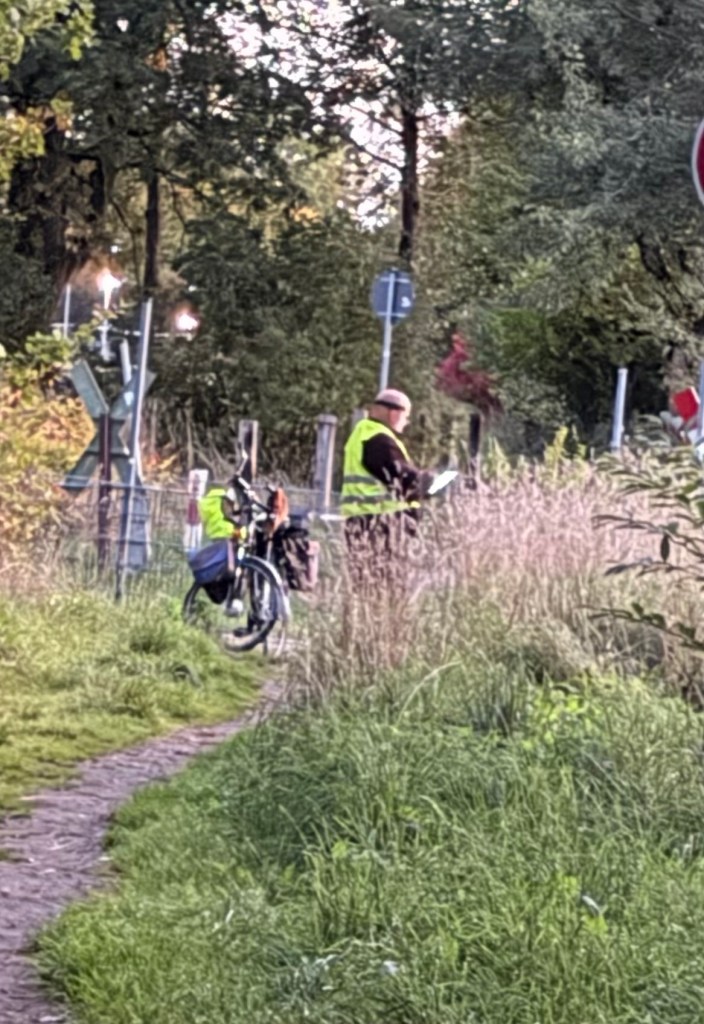
Es gibt aber auch Hinscheißer. Heute Morgen beim Hundespaziergang biege ich auf den Bahnübergang, und der Vollhonk auf dem Foto zieht sich die Hose zurecht und wischt mit den Füßen über den Boden.
Ich sag: „Du hast jetzt hier nicht auf den Weg gekackt?!” „Nein, nicht direkt auf den Weg.” Antwortet der Eingeschüchterte und drückt sich noch ‘nen Angstködel ab. Ohne Worte.
Und danach hat er seinen Scheißhaufen offenbar noch abgelichtet und ihm ein Gedicht vorgelesen:
Symptom: On Ubuntu (GNOME, Wayland) with the Claude desktop app running, clicking an app in the dock that lives on another workspace switches there for a split second and then jumps straight back to the Claude window. Switching workspaces with Super+scroll works fine, clicking apps on the same workspace works fine, and with Claude quit everything is normal.
What it is not: the dock. My Dash-to-Dock settings were default (isolate-workspaces false, click-action focus-or-appspread). It is also not XWayland focus stealing, because xlsclients showed Claude was running as a native Wayland client. Somewhere in the app, the window seems to grab focus again right after the workspace change.
Fix: run Claude through XWayland instead of native Wayland by passing the Ozone flag --ozone-platform=x11.
Test it first. Quit Claude completely, including the tray process, otherwise the new start just hands off to the old instance and the flag is silently ignored:
pkill -9 -f /usr/lib/claude-desktop; sleep 2; pgrep -af -i claudesetsid claude-desktop --ozone-platform=x11 </dev/null >/dev/null 2>&1 &sleep 5; xlsclients
If claude-desktop now appears in the xlsclients list, it is running under X11. Click an app on another workspace in the dock. In my case the jump-back was gone.
To make it permanent, edit a per-user copy of the launcher (com.anthropic.Claude.desktop in ~/.local/share/applications/), which takes precedence over the system one:
cp ~/.local/share/applications/com.anthropic.Claude.desktop ~/.local/share/applications/com.anthropic.Claude.desktop.baksed -i 's|^Exec=claude-desktop |Exec=claude-desktop --ozone-platform=x11 |' ~/.local/share/applications/com.anthropic.Claude.desktopupdate-desktop-database ~/.local/share/applications
If there is no local copy yet, copy /usr/share/applications/com.anthropic.Claude.desktop there first.
Trade-offs: XWayland can make text slightly blurry with fractional scaling, and global shortcuts may behave differently. A package update may reset the launcher file, in which case just rerun the sed line.
Debugging tip: if you start the app from a terminal with & and the shell reports Stopped, the process was suspended waiting for terminal input. Use setsid ... </dev/null >/dev/null 2>&1 & as above.
If Bluetooth silently disappeared on your laptop after a big apt full-upgrade — the toggle in your desktop’s quick settings is greyed out, and bluetoothctl show just says No default controller available — this post walks through how to confirm the exact cause and fix it. It cost me a full afternoon of debugging on an HP EliteBook 865 16″ G11, so hopefully this saves someone else the trouble.
Bluetooth just isn’t there. Not blocked, not disabled — actually missing. Your desktop environment shows the Bluetooth control as unavailable, and the command line agrees:
$ bluetoothctl showNo default controller available
First, rule out the boring causes — a hardware/software rfkill block, or the driver simply not being loaded:
rfkill listlsmod | grep -i btusb
If hci0 shows up unblocked and the btusb/btmtk/btintel/btrtl/btbcm modules are all loaded, the hardware and driver stack look fine on paper — so the real story is in the kernel log. Note that plain dmesg often won’t show it anymore once the system has been up for a while (its ring buffer rotates and evicts early-boot messages), so go straight to the persistent journal for the current boot:
journalctl -k -b 0 | grep -i -B2 -A10 "bluetooth\|hci0\|btmtk\|btusb"
If you’re hitting the same bug, you’ll see a full kernel Oops right after hci0: HW/SW Version is logged — a BUG: kernel NULL pointer dereference inside a workqueue called hci_power_on, with a call trace running through:
hci_power_on → hci_dev_do_open → hci_dev_open_sync → hci_dev_init_sync → hci_dev_setup_syncbtusb_mtk_setup → btmtk_setup_firmware_79xx → btmtk_usb_hci_wmt_syncusb_autopm_get_interface → __pm_runtime_resume (crash here)The crash is fully deterministic — it happens on every single boot, the moment bluetoothd tries to power the adapter on, before it can ever register a controller. This is not something caused by the update itself breaking a config; the update was just a red herring that happened to coincide with when I noticed it.
Affected hardware: laptops with a MediaTek MT7921/MT7922 Wi-Fi+Bluetooth combo chip (the btusb/btmtk driver, “79xx” firmware family). Confirmed on an HP EliteBook 865 16″ G11 running Ubuntu 24.04 “Noble” on the generic kernel track (6.8.0-139-generic) — but this is a driver bug, not something HP- or EliteBook-specific, so it likely affects other MT7921/MT7922 laptops too.
It’s a known bug in the kernel’s btmtk driver — uninitialized/mismanaged state in the MediaTek firmware setup path around USB power management. Ubuntu already tracks a closely related fix (Launchpad bug #2092473, “Fix system hang issue caused by the btmtk driver”) which cherry-picks upstream commit 61c5a3def90a (“Bluetooth: btmtk: adjust the position to init iso data anchor”). The important detail: that fix landed in Ubuntu’s linux-oem kernel line, not the generic one most desktop installs run — the OEM kernel track gets hardware-enablement and driver fixes for newer laptop models well before they trickle down to generic.
Check what’s available for your release, and grab the newest one:
apt search linux-oemsudo apt install linux-oem-24.04d # use whatever the newest one turns out to besudo update-initramfs -u -k allsudo reboot
After rebooting, confirm you’re actually running it:
$ uname -r6.17.0-1032-oem
Then the real test:
$ bluetoothctl showController XX:XX:XX:XX:XX:XX (public) ... Powered: yes
A real controller with Powered: yes — that’s the fix confirmed.
Installing the OEM kernel doesn’t automatically make GRUB default to it. Check this first:
cat /etc/default/grub | grep -i grub_default
If it shows GRUB_DEFAULT=0 (or any fixed number), GRUB will always boot the first menu entry no matter what you set as the saved default — so fix that first, then point it at the new kernel:
sudo sed -i 's/^GRUB_DEFAULT=.*/GRUB_DEFAULT=saved/' /etc/default/grubecho 'GRUB_SAVEDEFAULT=true' | sudo tee -a /etc/default/grubsudo grub-set-default "Advanced options for Ubuntu>Ubuntu, with Linux 6.17.0-1032-oem"sudo update-grubsudo reboot
Adjust the exact kernel version and menu entry text to match your own system — list what’s actually in your GRUB menu with:
awk -F\' '/menuentry / {print $2}' /boot/grub/grub.cfg
One more gotcha: if GRUB_TIMEOUT_STYLE=hidden is set, GRUB won’t even show you a menu — it just silently boots the saved entry after the timeout. If you’re used to pressing a key during boot (say, from an earlier recovery-mode session), you might end up hand-picking a kernel out of habit even though the saved default was already correct. Check /boot/grub/grubenv for saved_entry to see what’s actually set before assuming it’s broken.
Separately from the Bluetooth issue — if your screen seems to hang forever on the boot splash logo right after a large apt full-upgrade, don’t panic and don’t force a hard power-off immediately. Two things worth checking first:
Ctrl+Alt+F3 to switch to a text console. If you land on a working login prompt, the system actually finished booting — it’s just the graphical splash (Plymouth) that’s stuck on-screen, which is purely cosmetic.journalctl -b 0 | grep -i modem. ModemManager can get stuck in an infinite respawn loop trying (and failing) to initialize a mtk_t7xx modem, spawning a new modem object every couple of seconds — noisy and wasteful, but not usually what’s actually blocking the boot.Neither of these turned out to be related to the Bluetooth crash above — but they showed up in the same troubleshooting session and are worth ruling out before assuming your system is broken.
journalctl -k -b 0 | grep -i -B2 -A10 "bluetooth\|hci0\|btmtk\|btusb" shows a NULL pointer Oops in btmtk_setup_firmware_79xx.sudo apt install linux-oem-24.04d (check apt search linux-oem for the current newest).GRUB_DEFAULT=saved + GRUB_SAVEDEFAULT=true in /etc/default/grub, then grub-set-default + update-grub.uname -r, then bluetoothctl show should finally show a powered controller.Hope this saves someone else the afternoon it cost me.
Viel zu lange bin ich nicht über die Ampel gegangen. Heute brauchte ich einfach mal wieder eine ehrlichen Rotfahrer👍
Update (1 September 2026): The original fix below covered cold boot, but the same bug can also show up after waking from suspend (e.g. running in clamshell mode with an external keyboard). Added a second hook for that case, plus a more robust way to target the device that survives USB re-enumeration — see “The same bug also hits after suspend/resume” further down.
If you’re running a Razer BlackWidow V4 on Ubuntu (or any Linux distro) with OpenRazer and Polychromatic, and the keyboard’s RGB lighting simply refuses to turn on after boot — even though everything looks configured correctly — you’re not alone. This is a well-documented issue with this specific keyboard, and after a fairly deep troubleshooting session, I found a reliable, permanent fix. Here’s the full story, including the dead ends, so you can skip straight to what works.
Working through this methodically, the following were all ruled out one by one:
lsmod | grep razer showed razerkbd loaded correctly.plugdev group, which OpenRazer requires for device access.lsusb | grep -i razer showed the keyboard correctly enumerated (1532:0287 Razer USA, Ltd Razer BlackWidow V4).ps aux | grep openrazer confirmed the daemon was active.openrazer-daemon -F) showed a completely clean log — the device was found, initialized, and set to “driver” mode without a single error.polychromatic-cli to directly set brightness and effects executed without errors, but still no light.Everything on the software/permissions/detection side was working. And yet: still dark.
This turned out to match a known OpenRazer bug (see openrazer/openrazer#2291): the BlackWidow V4 doesn’t reliably “wake up” its lighting on a cold boot or fresh login, even though the daemon and driver both report success. The fix that does work, reported by multiple users, is unplugging the USB cable and plugging it back in — at which point the keyboard immediately lights up with the last-set effect.
Physically unplugging and replugging works, but it’s not something you want to do every time you boot your laptop.
My first idea was to emulate a “software unplug” using the kernel’s USB driver unbind/bind mechanism:
bash echo "5-1.3.3" > /sys/bus/usb/drivers/usb/unbind sleep 2 echo "5-1.3.3" > /sys/bus/usb/drivers/usb/bind
This detaches and reattaches the kernel driver from the USB device. It ran without errors — but the keyboard stayed dark. The reason: unbind/bind only affects the driver association in the kernel. It does not cut power to the physical USB port. The BlackWidow V4’s onboard firmware apparently needs an actual power interruption (like a real unplug) to reload its stored lighting profile — a driver-level detach isn’t enough to trigger that.
uhubctlThe tool that solves this properly is uhubctl, which can toggle power on individual USB hub ports — a true, real power cycle, done entirely in software (provided your hub/port supports per-port power switching, which is common on USB-C docks and many external hubs).
bash sudo apt install uhubctl
bash sudo uhubctl
This lists every USB hub and its ports. Look for your keyboard’s vendor/product ID (1532:0287 for the BlackWidow V4) in the output, e.g.:
Current status for hub 5-1.3 [03f0:086b Microchip Tech USB2734, USB 2.10, 4 ports, ppps] Port 3: 0503 power highspeed enable connect [1532:0287 Razer Razer BlackWidow V4]
The ppps flag in the hub’s description confirms it supports per-port power switching — without this, the rest of the fix won’t work on that particular hub.
Note the hub location (5-1.3 in this example) and port number (3).
bash sudo uhubctl -l 5-1.3 -p 3 -a cycle
Watch the keyboard: it should go completely dark for a moment (this is a real power cut, so key input briefly stops working too) and then light back up automatically with the last-configured effect.
My first version of this script hardcoded the hub location and port number from Step 2 (-l 5-1.3 -p 3). That worked — for a while. A few days later the same fix silently stopped working, and digging into the logs showed why:
razer-usb-reset.sh: No compatible devices detected at location 5-1.3!
The USB bus/port numbering isn’t guaranteed to stay the same across reboots — it can shift depending on enumeration order, especially behind a dock. So instead of a fixed location, target the device by its description string, which uhubctl can search for directly with -s:
bash sudo uhubctl -s BlackWidow
This finds the right hub/port regardless of where it currently sits in the USB topology. Use this in the script instead of a hardcoded -l/-p:
bash printf '#!/bin/bash\nsleep 1\nuhubctl -s BlackWidow -a cycle\nsleep 3\n' | sudo tee /usr/local/bin/razer-usb-reset.sh > /dev/null sudo chmod +x /usr/local/bin/razer-usb-reset.sh
(Using printf piped into tee instead of a text editor avoids line-ending corruption that can happen when pasting multi-line scripts into nano over some terminal setups — worth knowing if you’ve ever seen a systemd unit fail with a cryptic “Bad message” or a script fail with exit code 127 for no obvious reason.)
“`bash printf ‘[Unit]\nDescription=Razer BlackWidow V4 USB Reset for Cold-Boot Lighting Bug\nAfter=multi-user.target\n\n[Service]\nType=oneshot\nExecStartPre=/bin/sleep 8\nExecStart=/usr/local/bin/razer-usb-reset.sh\n\n[Install]\nWantedBy=multi-user.target\n’ | sudo tee /etc/systemd/system/razer-lighting-fix.service > /dev/null
sudo systemctl daemon-reload sudo systemctl enable razer-lighting-fix.service sudo systemctl start razer-lighting-fix.service “`
The ExecStartPre=/bin/sleep 8 gives the system a few seconds to finish bringing up USB and the OpenRazer daemon before the power cycle happens — without it, the reset might fire before the daemon is even watching the device.
Restart the laptop. A few seconds after login, the keyboard should briefly go dark and then light up on its own — no cable required.
Booting isn’t the only time this bug shows up. If you run your laptop in clamshell mode (lid closed, external keyboard/monitor via a dock) and it goes to sleep, the BlackWidow V4 can come back dark after resume too — same root cause, different trigger. The boot-time systemd service above only runs at boot, so it won’t cover this case. You need a second hook that fires on resume.
Linux has a dedicated mechanism for exactly this: any executable script placed in /usr/lib/systemd/system-sleep/ gets automatically run by systemd-sleep, once before suspend and once after resume, with $1 set to pre or post.
bash printf '#!/bin/bash\ncase "$1" in\n post)\n sleep 3\n /usr/local/bin/razer-usb-reset.sh\n ;;\nesac\n' | sudo tee /usr/lib/systemd/system-sleep/razer-usb-reset > /dev/null sudo chmod +x /usr/lib/systemd/system-sleep/razer-usb-reset
This reuses the same razer-usb-reset.sh from Step 4, only running it on the post (i.e. after-resume) phase, with a short delay to give USB a moment to come back up.
Note: when you go looking for this in the logs, search for systemd-sleep, not system-sleep — the directory has a hyphen in “system-sleep”, but the actual process name that shows up in the journal is systemd-sleep (with a “d”). Searching for the wrong string will make it look like the hook never ran, when it actually did:
bash journalctl -b | grep -i "systemd-sleep\|razer-usb-reset\|uhubctl"
You should see the hook’s uhubctl output sitting right between the “sleep operation” and “System returned from sleep operation” log lines for each suspend/resume cycle.
| Attempt | Result |
|---|---|
| Check driver, permissions, USB detection, daemon status | All fine — not the cause |
| Restart OpenRazer daemon | Clean logs, still dark |
polychromatic-cli direct commands | No errors, still dark |
| Physical unplug/replug | Works |
| USB driver unbind/bind (software) | Runs clean, but no effect — doesn’t cut power |
uhubctl port power cycle, hardcoded location | Works until the USB topology shifts, then breaks silently |
uhubctl port power cycle, matched by description (-s) | Works reliably, survives reboots and re-enumeration |
| Boot-time systemd service only | Fixes cold boot, doesn’t cover suspend/resume |
Boot service + /usr/lib/systemd/system-sleep/ hook | Fully covers boot and resume |
If your BlackWidow V4 (or possibly other Razer devices with the same firmware quirk) won’t light up on Ubuntu — whether after boot or after waking from suspend — check whether your USB hub supports per-port power switching with sudo uhubctl, and if it does, the two hooks above will fix it permanently: no more unplugging cables, ever.
Tested on Ubuntu 24.04 with OpenRazer 3.12.4 and Polychromatic, Razer BlackWidow V4 connected via an HP USB-C Dock G5.
Updated 1 September 2026: added coverage for the suspend/resume case and switched to matching the device by description instead of a hardcoded USB port.
Irgendwer hat heute behauptet: „An der Ampel fährt keiner mehr bei rot!“
Ich hab eben schnell nachgeschaut und kann Entwarnung geben: der Pöbel performt wie eh und je 👍
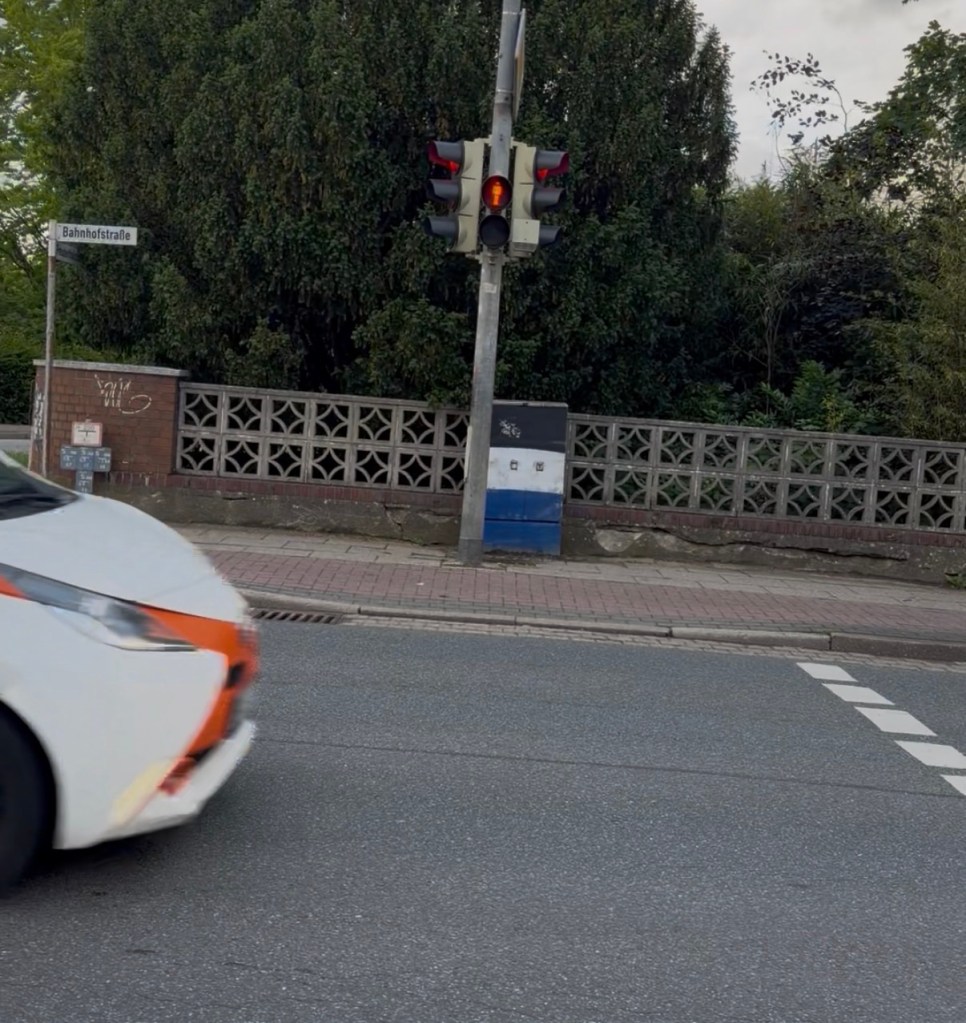
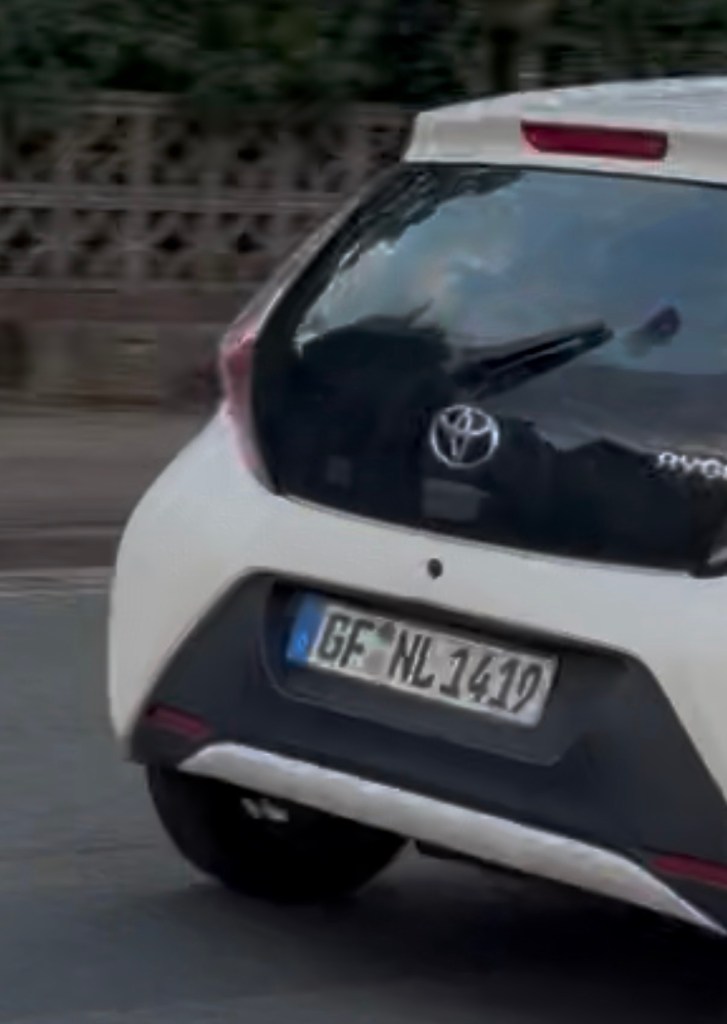
Wer etwas auf sich hält fährt natürlich nur bei rot, wenn ein Schüler kurz vor 0800 an der Ampel auf Grün wartet 👍
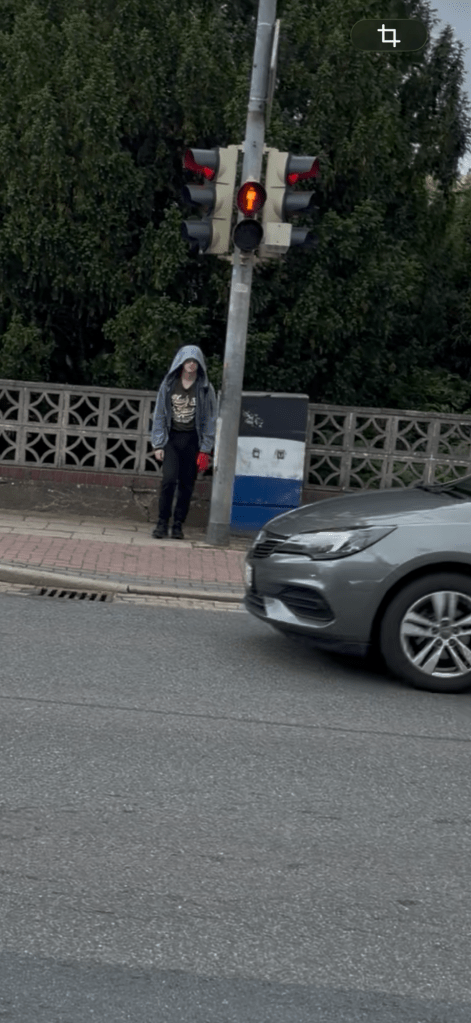
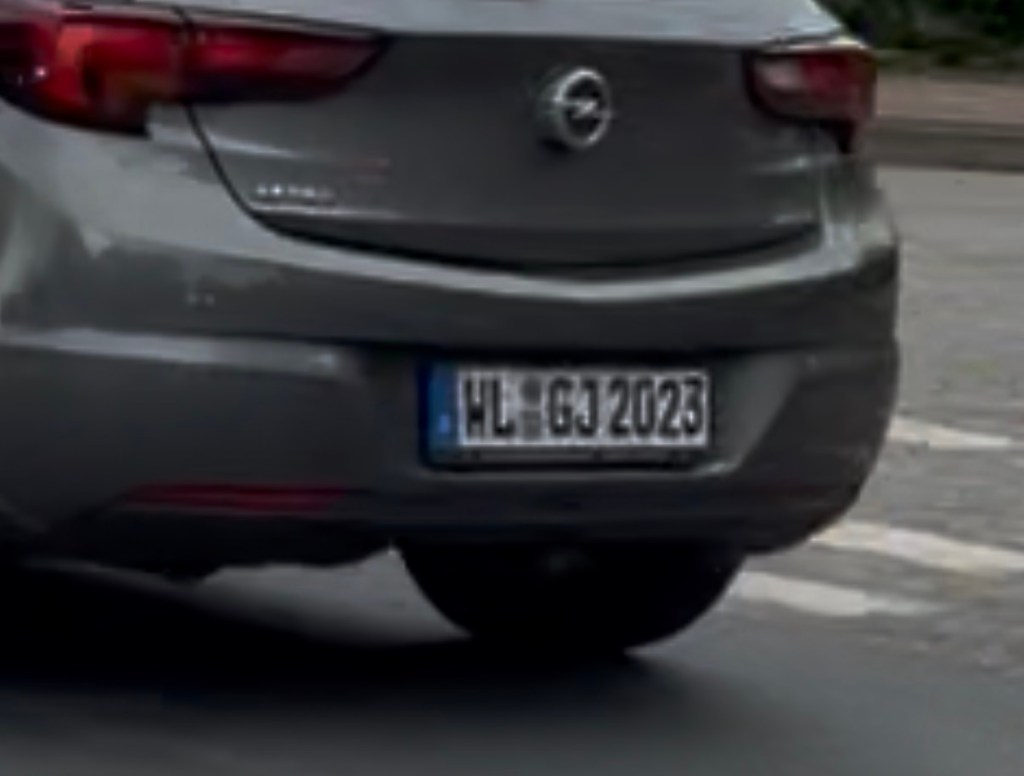
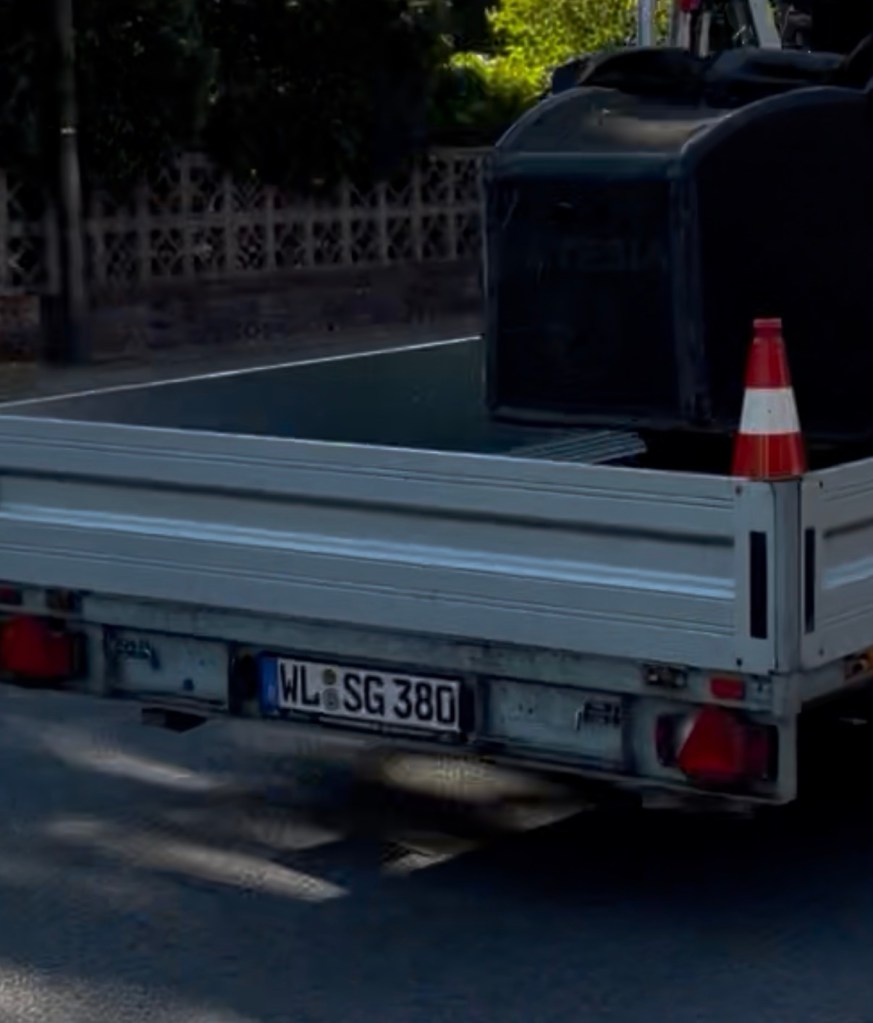
Was wäre ein schöner Sommertag ohne einen aufrichtigen Rotfahrer an einer Fußgängerampel, die zu dieser Uhrzeit hauptsächlich von SchülerInnen genutzt wird🤔
Wenn dann noch die eigene Samtgemeinde mit punktet kann das nur ein guter Tag werden 🙈

The world around through my camera's lens
poetry,writings,memories and more....
Spirituality + Intentional living + Conscious Motherhood
(digital diary!)
Romancing the planet; a love affair with travel.
J.C. Scheff
Your daily dose of inspiration & motivation for keeping up a healthy and happy lifestyle.
WordPress.com is the best place for your personal blog or business site.

