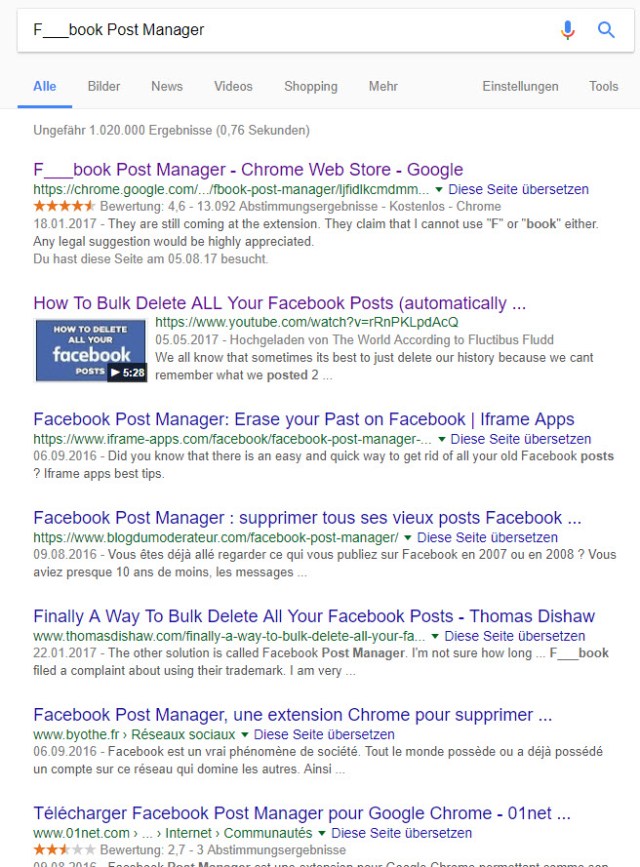
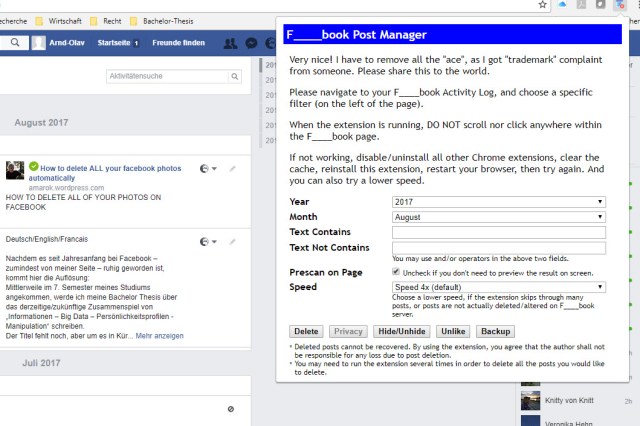
- Search for the “F___book Post Manager” on google
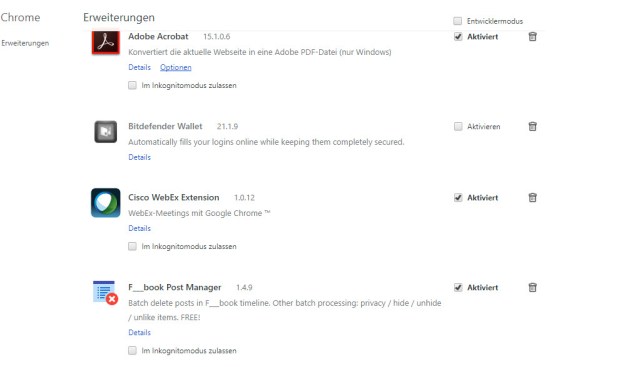
- Install and activate it in Chrome
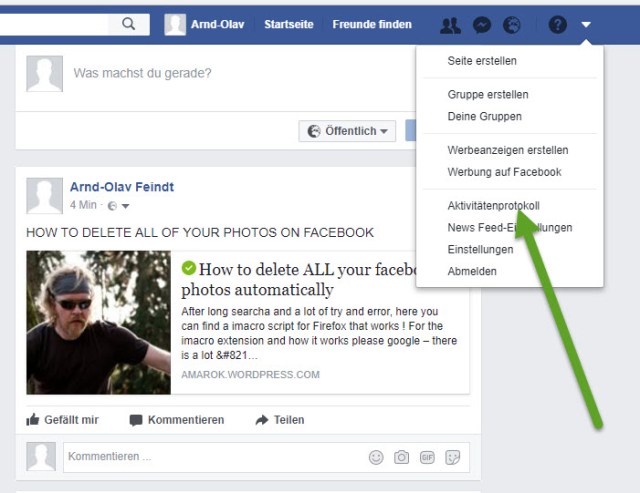
- Go to your activity protocol in Facebook and choose step-by-step the different activites in your chronology
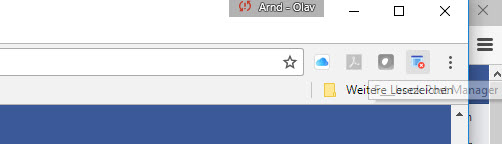
- Use the “F___book Post Manager”
- It is self-explaining ;)
"The true harvest of my daily life is somewhat intangible and indescribable as the tints of morning or evening. It is a little star-dust caught, a segment of rainbow which I have clutched." (Henry David Thoreau, 1854)


The world around through my camera's lens
poetry,writings,memories and more....
Spirituality + Intentional living + Conscious Motherhood
(digital diary!)
Romancing the planet; a love affair with travel.
J.C. Scheff
Your daily dose of inspiration & motivation for keeping up a healthy and happy lifestyle.
WordPress.com is the best place for your personal blog or business site.
 amarok.live